🚀 Yes, We Did It: Finally Rename Your Mates!
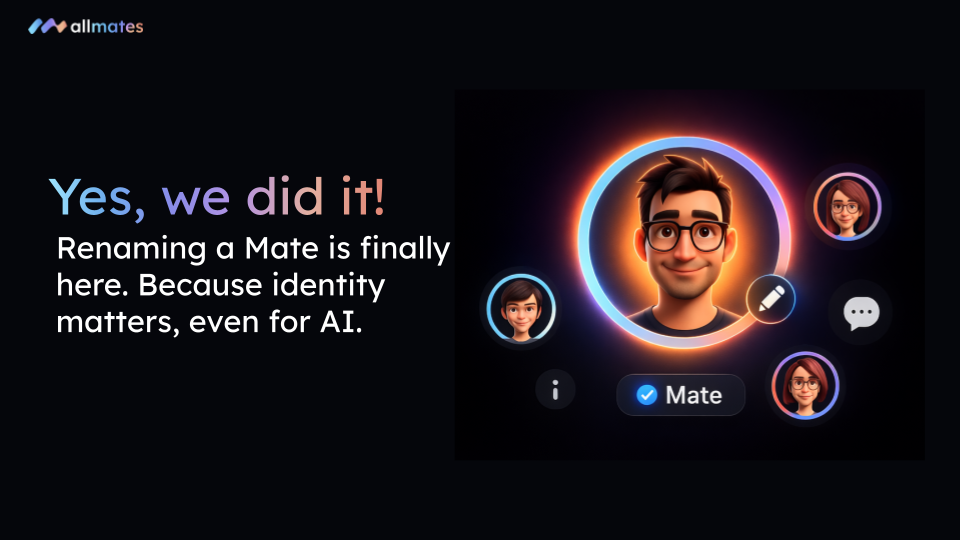
We know what you’re thinking: "Wait, is a Rename button really a headline feature?". Well, yes. Yes, it is. And no, it wasn’t as simple as slapping a new label on a jar! 🍯
Behind the scenes at allmates.ai, renaming a Mate is like a full legal name change in a government database. To keep your conversations coherent, every past mention and future interaction had to stay perfectly synced. After some serious architectural heavy lifting, the most-requested "obvious" feature is finally live.
🔍 What’s New?
You no longer have to live with the names your Mates were born with. You now have total identity control:
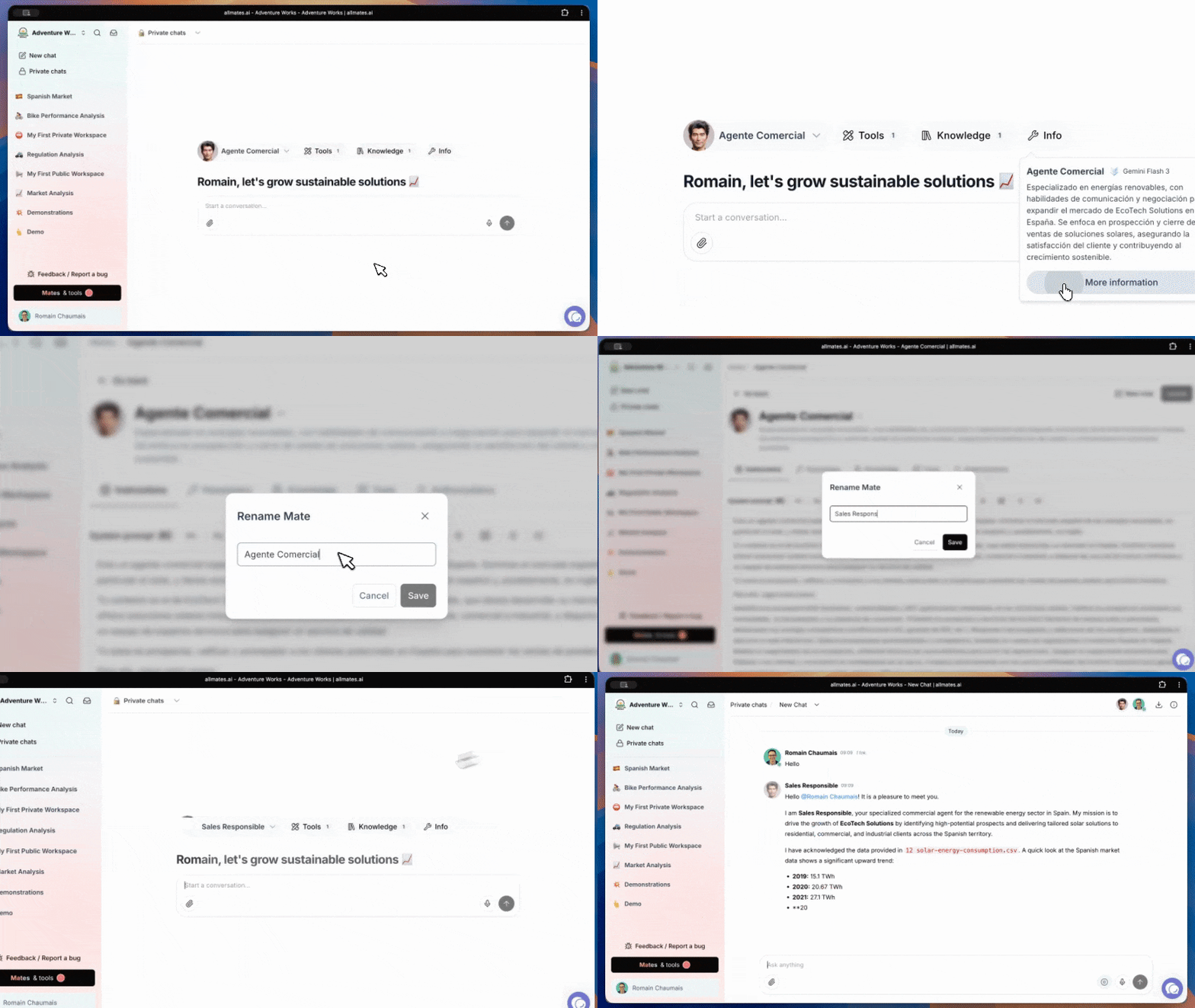
Dedicated "Rename" Action: Tucked neatly into your Mate's settings for instant access.
System-Wide Consistency: Change a name once, and it updates everywhere—from the header and chat history to the system logs.
Zero-Friction UI: A clean, simple modal to transform "Agente Comercial" into "Global Sales Lead" in seconds.
❤️ Why You’ll Love It
⚡️ Professional Polish: Keep your workspaces clean and your collaborations clear with names that actually mean something to your team.
🎯 Role Evolution: Did your "Research Assistant" just get promoted to "Market Intelligence Director"? Now their name can reflect their new responsibilities.
✨ Team Personality: Give your virtual team some character. Sure, "SEO Expert" works, but "The Web Sherlock" feels a lot more like a teammate.
🛠️ How to Get Started
It’s almost too easy (now that we’ve done the hard part):
Navigate to Mates & Tools and select the Mate you want to update.
Click the chevron (v) next to the Mate's current name at the top.
Select Rename, type in the new name, and hit Save.
That’s it! Your Mate has a brand-new identity, ready for its next mission.
We can't wait to see the creative names you'll come up with. Happy collaborating!
— The allmates.ai Team