🔍 Navigate at the Speed of Thought: New Universal Search & Workspace Home!
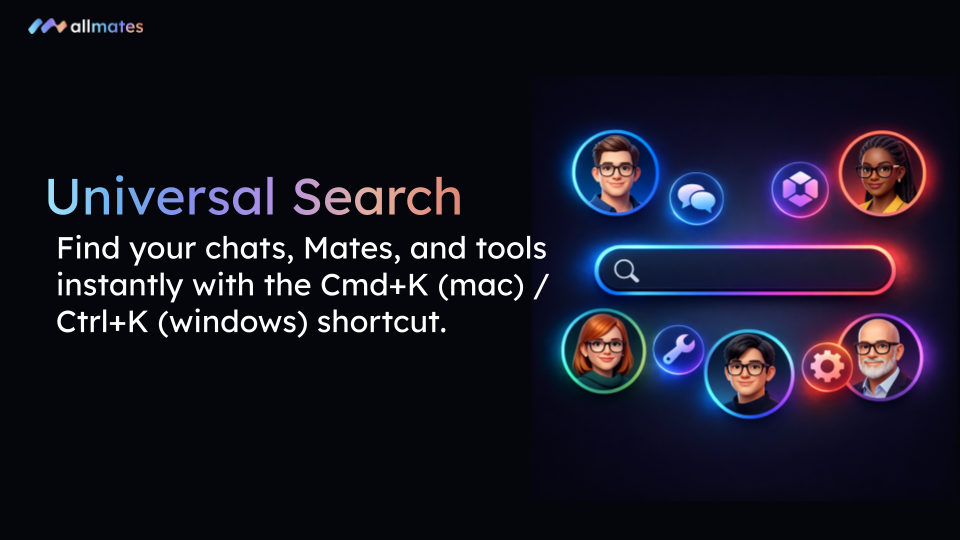
We know your projects on allmates.ai are growing fast. To help you stay in control and find information in a blink, we’ve completely overhauled the navigation experience. Discover our new Universal Search engine and a modernized Workspace Home Page!
🚀 What’s New?
Universal Search (Cmd+K / Ctrl+K): Stop scrolling through endless lists. Instantly access your private chats, Workspaces, Mates, or favorite tools via an ultra-fast search interface.
New Workspace Home Page: Every Workspace now has a dedicated landing page. It centralizes all project chats, displays active participants, and offers fluid navigation with an intuitive breadcrumb.
Simplified Chat Management: A new action menu allows you to rename or delete your chats in one click to keep your workspace pristine.
Rich Descriptions: Workspace settings now support the Markdown editor, allowing you to structure your goals with style (bold, lists, links, etc.).
❤️ Why You’ll Love It
⚡ Boosted Productivity: The
Cmd+K(orCtrl+K) shortcut will become your best friend. Find what you need without ever leaving your keyboard.🎯 Total Visibility: The new Workspace view lets you immediately see who is working on what and the latest important exchanges.
🧭 Intuitive Fluidity: Switch from a Mate to a tool, or from a chat to a Workspace, with unprecedented ease.
🎨 Personalized Space: Organize your projects with icons and clear descriptions so every team member knows exactly where they are.
🛠️ How to Get Started
Launch the Search: Use the
Cmd+Kshortcut or click the magnifying glass icon in the top left.Explore Your Workspaces: Click on a Workspace name in the sidebar to discover its new interface.
Stay Organized: Use the new menu to rename your current conversations and make them more explicit.
We can't wait to see how these new tools transform your workflow!
— The allmates.ai Team