🌐 Announcing Web Search & Content Extraction!

We’re thrilled to introduce a powerful new capability that fundamentally enhances your Mates: Live Web Search and Content Extraction. Your Mates are no longer limited to their internal knowledge; they can now access the entire internet in real-time to provide you with the most current, comprehensive, and well-sourced information.
What's New?
This isn't just a simple link search. We've integrated a sophisticated, two-step research process directly into your conversations:
Live Web Search: Your Mates can now perform live searches across the entire web to answer your questions, find the latest news, or research any topic. They will synthesize the information and always cite their sources, so you know where the data comes from.
Content Extraction & Summarization: This is where the magic happens. After a search, you can instruct your Mate to read the entire content of a specific webpage. It will then analyze the text and provide you with a concise summary, key takeaways, or specific data points. The full text is also saved as an attachment for your records.
Focused Research: Need information from a trusted source? You can now ask your Mate to search for information exclusively on specific websites (e.g., "Search on TechCrunch for...").
Image Insights: Your Mates can now find and describe images from the web, adding crucial visual context to your research.
Why You'll Love It
Stay Perfectly Up-to-Date: Get real-time information and the latest news on any topic. Your Mates’ knowledge is now as current as the internet itself.
Become a Research Powerhouse: Save hours of manual work. Instead of just getting a link, you can have your Mate read and digest entire articles, reports, or guides for you in seconds.
Make Smarter Decisions: With answers grounded in verifiable, cited sources, you can make more confident and informed decisions.
A Seamless, Integrated Workflow: Conduct all your research—from initial query to in-depth analysis—without ever leaving your
allmates.aiconversation.
How to Get Started
Ready to give your Mates the power of the web? Here’s how to set it up:
Navigate to the Tool Store: Go to "Manage Mates" and open the "Tool Store".
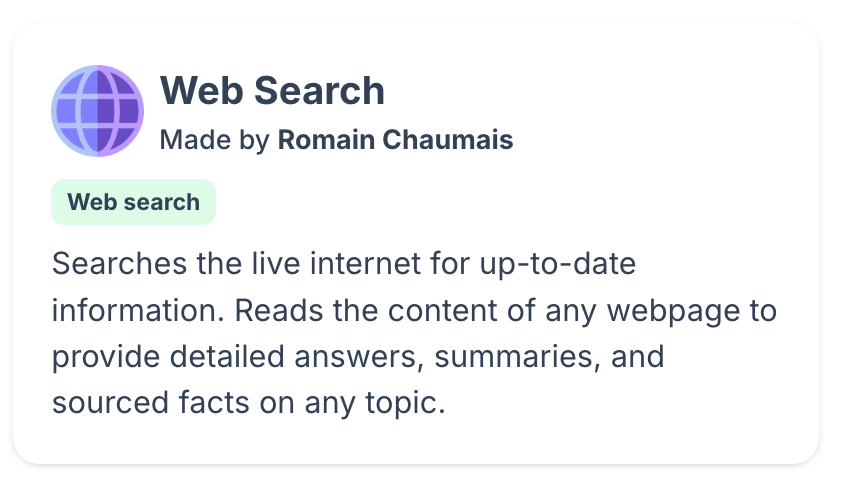
Create a Tool Instance: Find the Web Search tool and click to create a new instance.
Get Your Free API Key: The tool is powered by Tavily. You can get a free API key from their website, which includes 1,000 requests per month.
Add Your Key: Paste your Tavily API key into the credentials field of your new tool instance.
Attach to Your Mates: Go to the configuration page of any Mate you want to upgrade and attach your new Web Search tool instance. That's it!