🔮 Unlock Expert Insights: Introducing the Google Analyst Suite!
Welcome to Day 4 of our Search Tool Week! After supercharging your Mates with web-wide research (Perplexity), professional data (LinkedIn), and real-world awareness (Google Maps), we're now giving them the power to dive into specialized domains.
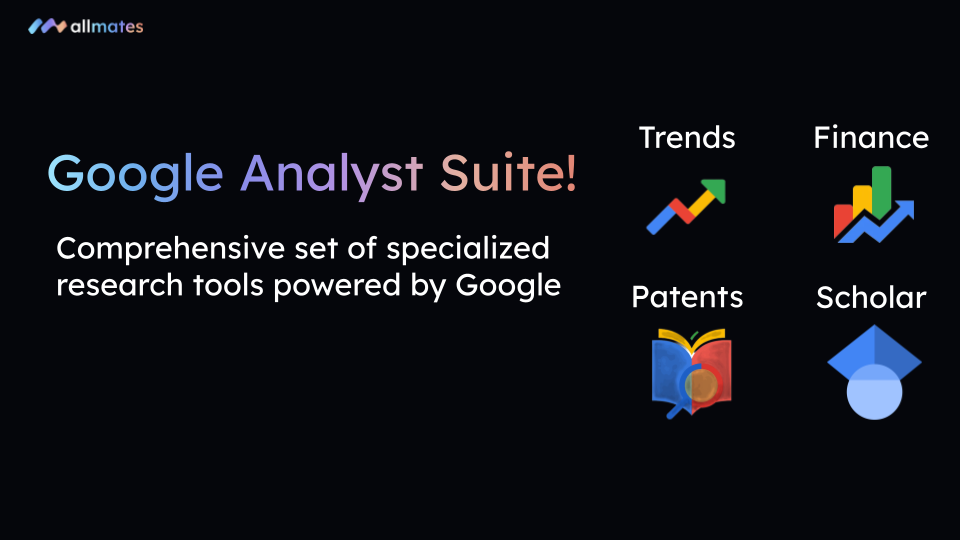
We're thrilled to launch the Google Analyst Suite, a comprehensive set of specialized research tools powered by Google. Get ready to turn your Mates into financial analysts, IP experts, academic researchers, and market strategists.
What's New?
We've added four powerful new tools to the Tool Store, each designed to provide deep, structured insights:
📊 Google Trends - Market Insights: Get the pulse of global search trends. Your Mates can compare the popularity of search terms, identify emerging trends, and discover related topics and queries.
📈 Google Finance - Stock Details: Access real-time financial data. Your Mates can now pull stock quotes, view price history, analyze financial statements, and track the latest company news.
⚖️ Google Patents - Search & Analysis: Explore the global patent landscape. Your Mates can search for patents by keyword, inventor, or company, and get detailed analysis including legal claims, citations, and status.
🎓 Google Scholar - Academic Research: Turn your Mates into academic research assistants. They can find scholarly articles, access author profiles, and retrieve formatted citations in various styles (APA, MLA, etc.).
Why You'll Love It
From Researcher to Analyst: Your Mates no longer just find information; they analyze expert-level data. Ask them to compare market trends for "electric vehicles" (Google Trends) and find recent patents from Tesla (Google Patents) in a single conversation.
Unmatched Efficiency: Stop juggling tabs between Google Finance, Patents, Scholar, and Trends. All this specialized information is now accessible right in your conversational workflow, allowing your Mates to cross-reference data for richer insights.
Zero-Config Power: Most of these tools are available via our "Pay-As-You-Go" model, meaning they are ready to use immediately—no API key or complex configuration required. For power users, the "Bring Your Own Key" (BYOK) option remains available.
How to Get Started
Getting started is simple.
The Google Trends, Google Finance, and Google Patents tools are ready to use out-of-the-box through our Pay-As-You-Go model. No action is needed to start using them!
For power users who wish to use their own API key (BYOK mode):
Create the Tool Instance: Navigate to
Mates & Tools>Tool Store. Search for the desired tool and click+ Create instance, providing your credentials as needed.Attach it to Your Mate: Go to
Manage Mates, select the Mate you want to empower, open theToolstab, and click+ Attach toolto select the instance you just created.Update and Save: Click the
Updatebutton to save the new tool to your Mate.
Stay Tuned!
Our Search Tool Week isn't over yet. We have one last surprise for you tomorrow!
Happy (expert) researching!