🎬 Conversation Replay: Present Your Chats Like a Pro!
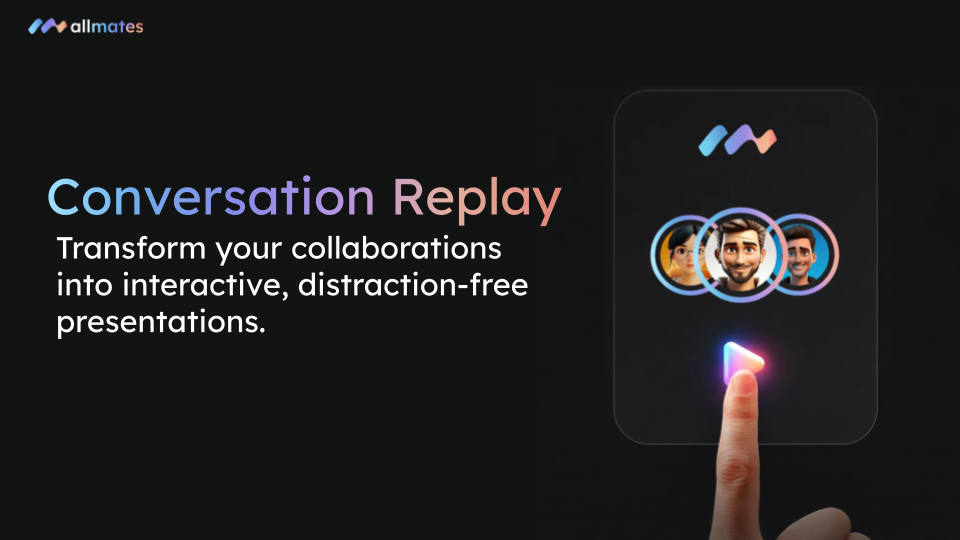
Presenting a complex collaboration or demonstrating exactly how a Mate works during a meeting can sometimes be tricky. That's why we are excited to launch Conversation Replay on allmates.ai! Designed specifically for the desktop app, this new feature allows you to transform any chat history into a smooth, interactive, and distraction-free presentation.
🔍 What's New?
The Conversation Replay feature gives you a built-in player to review your exchanges with colleagues and Mates. You have three distinct playback modes to choose from:
Whole conversation: Replay the entire conversation from start to finish automatically. Perfect for observing the overall flow of a project.
Message by message: Take full control by advancing manually step by step. Ideal for explaining in detail how a specific result was achieved.
Film mode: Immerse your audience completely. The navigation interface disappears entirely, leaving only your discussion content, charts, and data on screen.
⚡ Why You'll Love It
Impactful Demonstrations: Show exactly how your Mates solved a problem or generated an analysis without having to recreate fake scenarios live.
Maximum Focus: In Film mode, keep your audience's attention strictly focused on the important messages and data, free from app menu distractions.
Simplified Training: Share best practices and train your teams by playing back the most successful collaborations in your organization step by step.
Intuitive Navigation: Simply use your keyboard arrows to move forward or backward in the conversation, just like a traditional slideshow.
🛠️ How to Get Started
Open an existing conversation from your desktop computer (this feature is currently exclusive to the desktop version).
Click the new Replay conversation icon (the "Play" button) located in the top right corner of your screen.
Select your preferred playback mode from the dropdown menu.
Navigate using your keyboard arrows to move forward or backward.
Press the
Esckey to exit Replay mode at any time and return to your usual interface.
Learn more about all the keyboard shortcuts and best practices in our detailed guide.
We can't wait to see how you'll use this feature to showcase your virtual team's work! Happy presenting!
— The allmates.ai Team