📈 Unlock Professional Insights: Introducing the LinkedIn Explorer!
Welcome to Day 2 of our Search Tool Week! Ready to go from general web research to ultra-targeted professional insights? Introducing the LinkedIn Explorer, the new tool designed to connect allmates.ai to the world's largest professional database.
What's New?
The LinkedIn Explorer transforms your Mates into expert market researchers, recruiters, and sales intelligence analysts. You can now ask them to:
🔍 Profile and Company Enrichment: Get full LinkedIn profiles, detailed company data (size, industry, location), and even advanced insights like employee headcount growth.
📰 Content and Activity Tracking: Retrieve recent posts from any person or company, see who reacted, and read comments to keep a pulse on your industry.
🤖 Advanced Asynchronous Search: Launch large-scale, automated searches for leads, companies, or key decision-makers based on precise criteria. Your Mate will notify you when the results are ready.
💼 Job Market Intelligence: Search for job openings with specific keywords, locations, and experience levels to stay on top of hiring trends.
Why You'll Love It
🎯 Deep & Targeted Data: Go far beyond a simple web search. Access specific data points like "Open to Work" status, years of experience, and company growth trends that are invaluable for qualifying leads and candidates.
🤖 Automate Large-Scale Prospecting: Say goodbye to manual searches. Define your ideal customer or candidate profile and let your Mate build a targeted list for you in the background. It's your own automated prospecting machine.
🔗 Seamless Workflow Integration: Pull crucial LinkedIn data directly into your project Collabs. Enrich contact lists, analyze competitors, and plan outreach strategies without ever leaving your conversation.
⚡ Ready When You Are: Zero-Config Access: The LinkedIn Explorer is available via our "Pay-As-You-Go" model. It’s ready to use immediately—no API key or complex configuration required.
🚀 Pro Tip: Pair with LinkedIn Prospector for Maximum Impact!
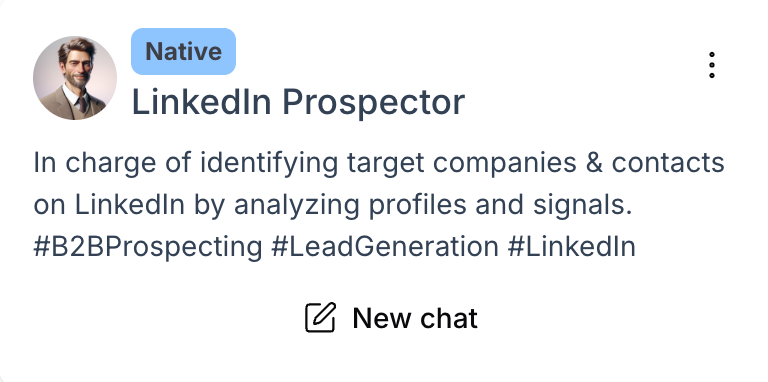
To get the absolute most out of the LinkedIn Explorer, we strongly recommend pairing it with our @LinkedIn Prospector Mate, available now in the Mate Store. This specialized Mate is pre-configured with expert instructions designed to leverage the Explorer tool for advanced B2B prospecting, lead generation, and company analysis. It's the fastest way to turn raw data into actionable insights. Don’t hesitate to use a advanced model like Claude Sonnet or Gemini Pro, to get the best results.
How to Get Started
Activating the LinkedIn Explorer is simple and takes less than a minute. Here’s how:
Create the Tool Instance: Navigate to
Mates & Tools>Tool Store. Search for LinkedIn Explorer and click+ Create instance, thenValidate.Attach it to Your Mate: Go to
Manage Matesand select the Mate you want to empower. Open theToolstab, click+ Attach tool, and select the "LinkedIn Explorer" instance you just created.Update and Save: Click the
Updatebutton to save the new tool to your Mate.
Stay Tuned for More!
This is just Day 2 of our Search Tool Week. We've got another game-changing search tool coming your way tomorrow.
Happy prospecting!