🛑 Stop the Mate! Plus Other Enhancements to Smooth Your Workflow ✨
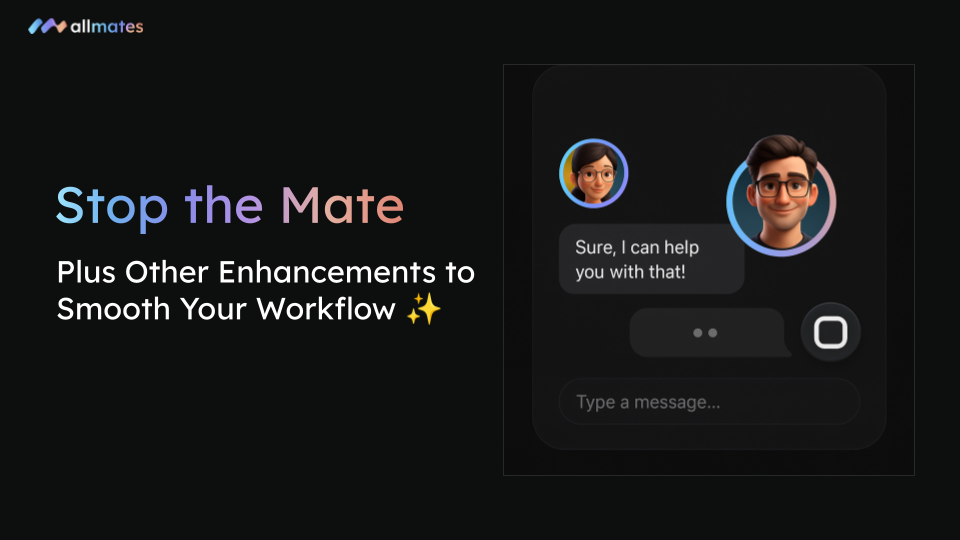
Ever wished you could stop a Mate mid-response? Now you can! We're thrilled to introduce the much-anticipated Stop Button, giving you greater control over your interactions in allmates.ai. Plus, we've rolled out some other key improvements!
1. Take Control with the "Stop Button"! 🛑
No more waiting for a Mate to finish a long or off-target response! If you realize a Mate is heading in the wrong direction or you've already got the info you need, simply hit the new Stop Button.
How it Works: When a Mate is generating a response, you'll see a "Stop" button appear (often with a square icon ⏹️ or text like "Stop [Mate's Name]'s response") next to the input bar. Click it, and the Mate will immediately cease generating its current output.
Why It's a Game-Changer:
Save Time: Instantly cut short unwanted or lengthy replies.
Regain Control: Quickly redirect the conversation or ask a new question.
Optimize Resources: Avoid unnecessary processing if you've changed your mind.
Watch the Stop Button in Action:
2. More Enhancements in This Update:
Alongside the Stop Button, we've also included:
🐞 Bug Fixes & Stability: We've squashed several bugs to improve overall platform performance and reliability.
📱 Speech-to-Text on Mobile: Dictate your messages on the go! Our Speech-to-Text feature is now fully functional on your smartphone.
🎨 Modernized Input Bar: Enjoy a sleeker messaging experience with redesigned, rounder buttons in the input area for a more modern look and feel.
We're committed to continuously improving your allmates.ai experience. Log in to try out the new Stop Button and enjoy a smoother, more controlled collaboration!