📦 Share and Backup Your Mates: Import/Export is Here!
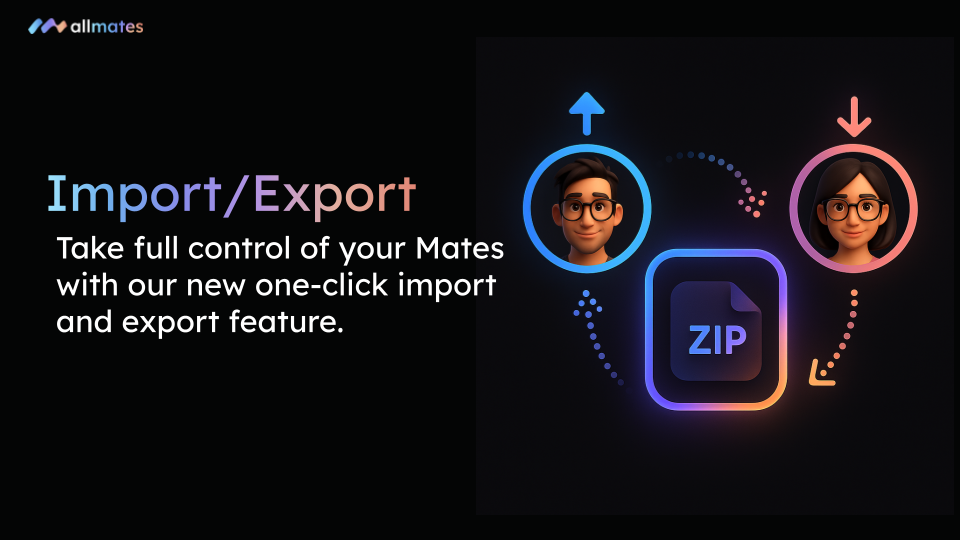
We are thrilled to announce a highly requested feature on allmates.ai: the ability to import and export your Mates! Whether you want to share your best AI coworkers across different organizations or simply create secure local backups, managing your Mates' lifecycle has never been easier.
🔍 What’s New?
Your Mates are now portable. With this update, you can:
One-Click Export: Download your Mate's complete configuration as a
.zipfile. This export includes its custom instructions, parameters, and all files attached to its Knowledge base.Seamless Import: Create a new Mate instantly by uploading your
.zipfile into any workspace or organization.Smart Reconfiguration: During the import process, the system allows you to select your preferred LLM model to ensure perfect compatibility with your new organization's connections.
⚡ Why You’ll Love It
Effortless Sharing: Built the perfect Data Analysis Mate? Easily transfer it to a client or another team working in a different allmates.ai organization.
Secure Backups: Create local copies of your complex configurations and knowledge bases for total peace of mind.
Standardized Deployment: Save valuable time by creating "template" Mates that you can duplicate and distribute across your company without ever having to rewrite prompts.
🛠️ How to Get Started
To Export: Navigate to your Mate's configuration page, click the dropdown menu next to its name, and select Export. Your
.zipfile will be generated instantly.To Import: Go to the Mate creation menu, click on the new Import tab, and drop your
.zipfile.Finalize: Choose your preferred LLM model and validate!
💡 Important Note: For security and access management reasons (API keys), Tools are not included in the export. Don't forget to reattach your favorite tools (like Web Search or GitHub) to your Mate once it's imported!
We can't wait to see how you'll share and scale your AI workflows. Happy collaborating!
— The allmates.ai Team