🗂️ Master Your Workspaces: New Conversation Management Tools!
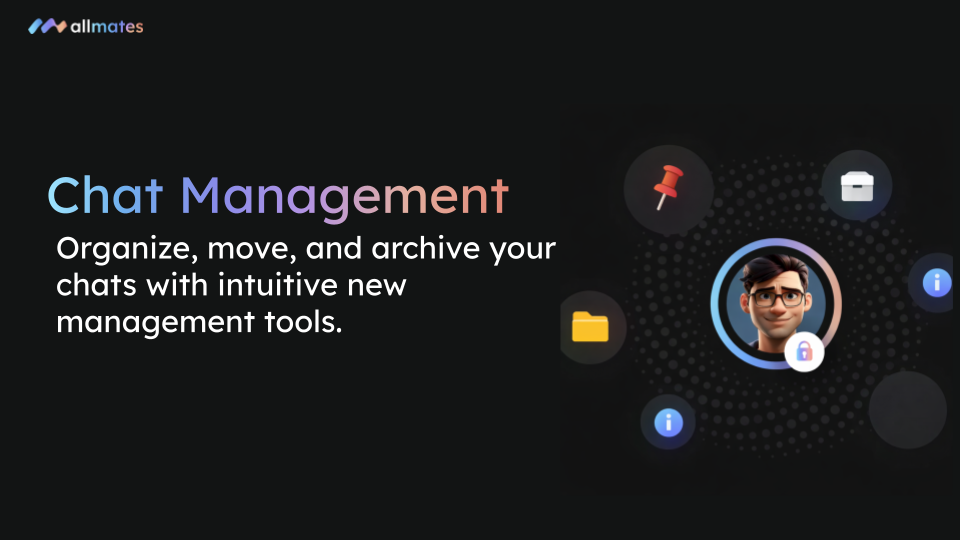
Managing multiple projects in a single Workspace just got easier. Today, we are introducing a suite of conversation management tools designed to keep your allmates.ai workspaces clean, organized, and perfectly contextualized.
🔍 What’s New?
We've added a new Quick Action menu and an enriched Details panel directly to your Workspace conversations:
Quick Action Menu: Simply click on a conversation to instantly rename, pin, archive, copy/move, or delete it.
Copy & Move: Easily transfer discussions to another Workspace. You can even choose to keep a duplicate in the original location!
Archive System: Declutter your sidebar by archiving completed projects. They remain accessible at the bottom of your Workspace.
Brief & Details Panel: A new dedicated space to write your project's context (Brief), change the default language, and view all conversation metadata (attached files, messages, token usage).
✨ Why You'll Love It
Effortless Organization: Keep your view clean and focus only on active tasks by archiving or moving old chats.
Perfect Alignment: The "Brief" tab ensures your human team and AI Mates share the exact same goals and context from the start.
Total Control: Pin your most critical projects to the top for instant access, and rename them on the fly for better clarity.
🛠️ How to Get Started
Taking control of your Workspace is incredibly simple:
Navigate to any Workspace.
Click the three dots next to a conversation in your sidebar to open the Quick Action menu.
To access the new context panel, click the "Details / Info" button at the top right of your active conversation.
Log in now and organize your workspaces like a pro!
— The allmates.ai Team